
Buy Office 365 cheap: which route is actually cheapest?
 By Daniel CostaOffice & productivity specialist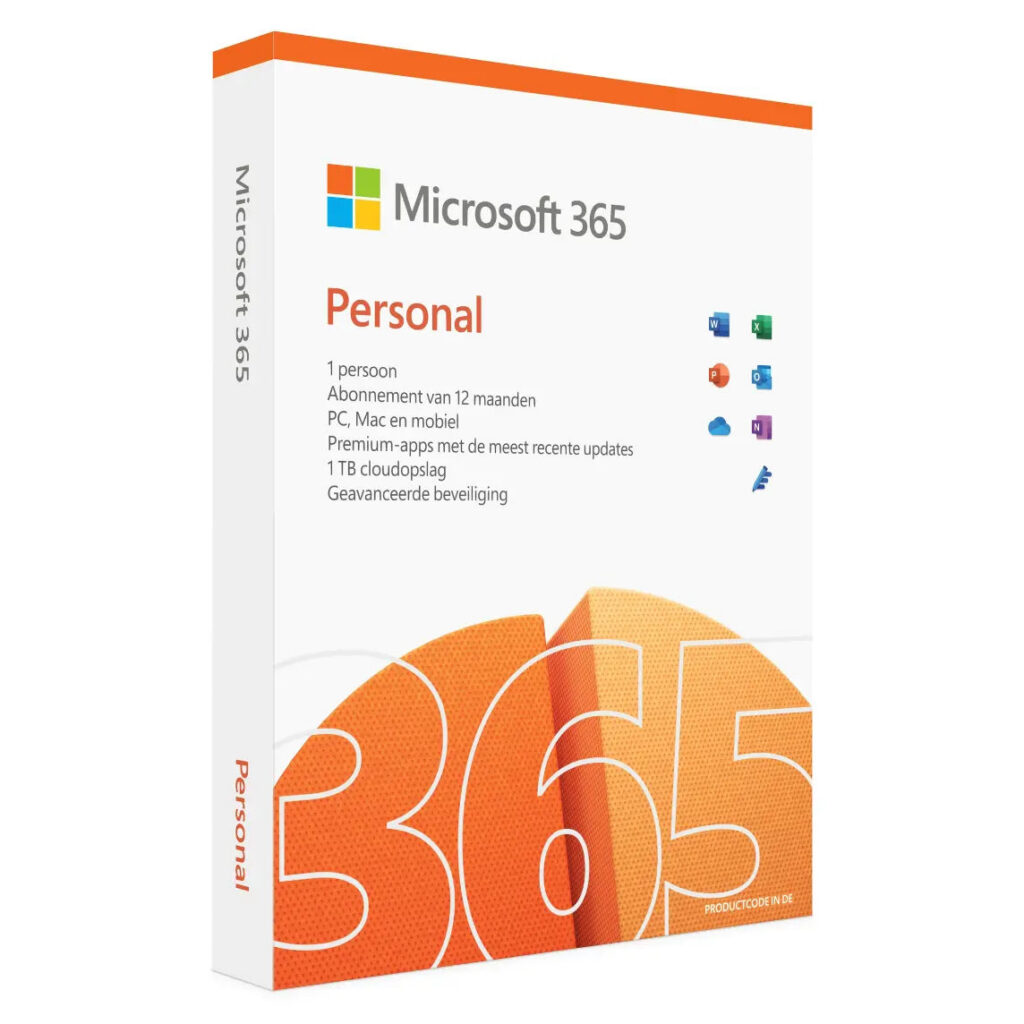
The cheapest way to have Office is not a product, it is a decision. Type “buy Office 365 cheap” into a search box and what you actually want is the lowest amount for the way you use Office, and that amount is different for different people. For one person the subscription wins, for another the one-time purchase or a legal second-hand licence is far cheaper. The price on a website is not the answer. How you work is the answer.
So I will not open with a price list. I will open with the question that sets the price: do you use Office heavily, with the cloud and across several devices, or do you open Word and Excel now and then and nothing else? Answer that honestly and the cheapest route almost picks itself, which can easily save you tens of euros a year. There are three routes, and which one is cheapest depends entirely on you.
What decides the cheapest Office for you?
Two lines run through this choice. The first is how hard you lean on Office: every day and with the newest features, or just to write a letter and keep a simple sheet. The second is how long you want to stay on the same version. Someone who wants the latest tools each year and works on the same files across a laptop, a tablet and a phone is playing a different game from someone who will still be doing exactly the same thing in five years.
Watch out for a trap in the maths itself. A subscription at €99.00 a year looks expensive next to a one-time purchase, but that compares apples with oranges: you are putting a yearly fee against a sum you pay only once. The honest comparison runs over several years and looks at what you actually use in those years. If you want the full picture of what a subscription even contains, read what Microsoft 365 really is; below I line up the three ways to get Office into the house.
The real cost of the wrong choice is not the price on the receipt. It is what you keep paying, year after year, for something you never touch, or what you give up because you bought too small. Pick a subscription and only open Word, and every twelve months you pay again for a cloud and updates that sit idle. Pick a bought version while you really do work on three devices at once, and you miss the syncing you cannot do without. The cheapest Office is the one that matches what you do.
The subscription route: Microsoft 365
Microsoft 365 is not a program you buy, it is a subscription you rent. You pay by the year or by the month and you get Word, Excel, PowerPoint and Outlook, cloud storage through OneDrive, and updates that keep arriving. On microsoft.com, Microsoft 365 Personal cost €99.00 a year and Family cost €129.00 a year, checked on 8 August 2026. As long as you pay you always have the newest version; stop paying and you can still open your files to read them, but not to edit them.
Who is this the cheapest route for? The heavy user. If you work on the same documents across several devices, genuinely use the cloud services and want the newest features each year, you are not paying for software alone but for a whole that makes your work smoother. Then that yearly fee earns its keep. For the light user who only ever opens Word, that same fee is money thrown away, because the cloud and the updates stay untouched.
There is a saving hidden in the subscription too, and it has nothing to do with a cheap key. Pay yearly rather than monthly and you usually land lower than adding up twelve separate months. A subscription is also tied to an account rather than a computer, so it moves with you to a new laptop without a fuss. If you want to spend less on the subscription, look at the billing term and the right plan, not at a bargain price that is too good to be true.
Personal or Family, which is cheaper for you?
The difference between the two home plans is not in the programs but in how many people may use it. Personal is for one person and cost €99.00 a year. Family is for a whole household and cost €129.00 a year, shared among several people. Live alone and Personal is the sensible pick. Share it with your family and Family is almost always the cheaper sum, because you split the cost across more people and drop well below the per-person price of Personal.
The one-time route: buying Office outright
Alongside the subscription, Microsoft deliberately keeps an Office you buy once: Office Home 2024, which on microsoft.com cost €149.00 on 8 August 2026. You pay that amount a single time and the programs keep working afterwards. The trade-off: you get security updates only, no new features, and there is no cloud included. So you buy today’s version and use it for as long as you like, without another bill ever landing.
Do the sum. That €149.00 stands against €99.00 a year for the subscription. After eighteen months the one-time purchase has already caught up, and every year after that the gap grows in your favour, provided you do not miss the cloud and the yearly new features. For someone who uses Office much as they did ten years ago, this is often the cheapest route over the long run. How the two stack up and what you give up with each, I put side by side in Office 365 versus Office 2021.
Carry the sum out over three years. Three years of Personal is three times €99.00, so €297.00. Over those same three years the one-time purchase stays at €149.00. That is close to half, and after five or six years the gap only widens, because the bought version keeps working while the subscription keeps ticking. Anyone who rarely or never needs a completely new version leaves a lot of money on the table by taking the subscription anyway.
When buying outright is a mistake
If you do need the newest features, or if you work on the same documents across several devices, a fixed version without the cloud is a poor buy, however cheap it looks on paper. You save on the purchase and pay it back in friction: files that do not follow you between laptop and phone, and features you see on a colleague’s screen and lack on your own. The one-time purchase is cheap for the right user and an expensive mistake dressed as a bargain for the wrong one.
The second-hand route, and why it never applies to 365
There is a third path many people overlook. A perpetual, purchased Office licence may be legally resold second-hand within the European Union. The previous owner no longer uses it, sells it on, and you often pay far less than for a new one. This is not a grey area, it is simply allowed, as long as it really is a perpetual licence the previous owner has stopped using.
Here comes the most important warning in this piece. That resale rule applies only to bought, perpetual licences, not to subscriptions. Microsoft 365 is a subscription, tied to an account and a term, so it falls outside the rule entirely. Anyone offering you a cheap second-hand 365 key is selling you something that cannot add up. On a subscription you save not with a key but by picking the right plan, paying yearly instead of monthly, or sharing the Family plan.
How do you spot a trustworthy seller?
Cheap is fine, but not at the cost of knowing your licence will keep working. Buy from a seller who gives you an invoice in your name and explains what you are buying. Be wary of rock-bottom prices with no paperwork: a key that suddenly costs a fraction of the normal price and arrives with no invoice or origin can be blocked later, and then you have lost both your money and your Office. The slightly higher price from a seller with a name and an invoice is exactly the insurance you are paying for. Saving a couple of euros on a key that dies after a month is no saving.
The three routes side by side
To make the choice concrete, here is what each route gives you and what it costs. Read the table as support for the question above, not as the answer on its own: there is no cheapest row, but there is a cheapest row for your use.
| Route | What you get | Price | Cheapest for |
|---|---|---|---|
| Microsoft 365 (subscription) | Newest version, cloud via OneDrive, ongoing updates, several devices | Personal €99.00 a year, Family €129.00 a year | Heavy use, cloud and multiple devices |
| One-time Office (Home 2024) | Fixed version, keeps working, security updates only, no cloud, no new features | €149.00 once | Basic use, long term, no cloud needed |
| Legal second-hand (perpetual) | Existing perpetual licence, resold, often far cheaper; not a subscription | Varies by offer, usually below new price | Basic use, price-conscious, invoice in your name |
Notice what the table shows once you read it: the second and third routes resemble each other, and they should. Both turn on a fixed, purchased version without the cloud, and both are meant for the user who does not want a yearly subscription. The only difference is the price and the origin. Second-hand is the cheaper of the two when it checks out; a new one-time purchase gives you the certainty of a factory-fresh licence. The first route sits apart: you buy it not to be cheap, but because you genuinely use the cloud and the updates.
How to choose in three questions
Before you pay for anything, ask yourself three questions. Do I work on more than one device on the same files? Do I really need the newest features and the cloud, or have I done the same thing with Word and Excel for years? And do I prefer paying every year, or once and done? Answer three times towards the cloud, several devices and every year, and the subscription is the cheapest choice for you, however steep the yearly figure looks.
Lean the other way and the one-time purchase or a legal second-hand licence is cheaper, and of those two the second-hand option is the sharpest priced. The mistake that costs money is taking a subscription because everyone has one and then only opening Word as you always did. Then you pay every year for a cloud you never touch. There is nothing wrong with plain, bought Office if that is what you need.
One last edge case to keep in mind. If you are torn between one-time and subscription and expect your use to change, say because you are about to collaborate more or switch devices, start with the cheaper bought version and move to a subscription only when you truly need the cloud. Going the other way, from subscription back to a bought version, costs you nothing on Microsoft’s side, but you do lose the cloud files you built up in the meantime. So do not pick the most expensive route as a precaution; pick the one that fits what you do today, and change it the moment your use really shifts.
Read also

Buying software the smart way?
Explore our genuine licences with instant delivery and support.